Deposit Using Tangle DApp
Depositing allocates supported assets to the multi-asset delegation vault. Deposits are required to participate in staking (delegate).
Step 1: Access Tangle DApp & Connect Wallet
- Open Tangle DApp’s Staking: Deposit page.
- Connect your wallet to the DApp by clicking on the Connect Wallet button on the top right and selecting your preferred wallet provider.
Step 2: Deposit Assets
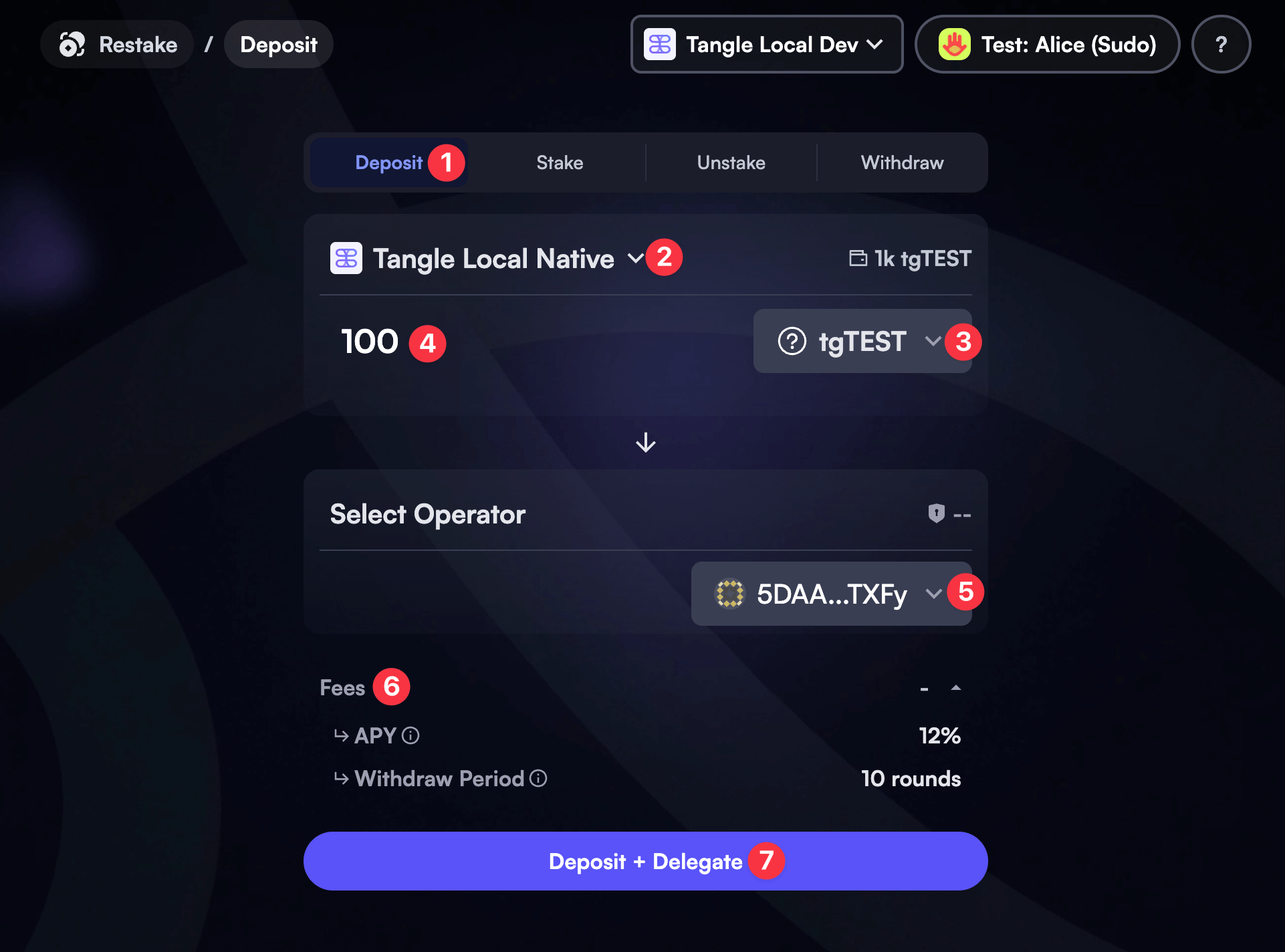
- Switch to the Deposit tab on the Staking page.
- Select the appropriate network from the dropdown list.
- Select an asset from the modal.
- Enter the desired amount to deposit.
- (Optional) If you’d like to also delegate your deposit right away: Click on the Select Operator dropdown, and choose an operator from the list. If you’d like to delegate later, skip this step. Learn how to delegate later.
- Review any fees, incentive estimates, and other key information before proceeding.
- If all the information is correct, the Deposit + Delegate (or Deposit if just depositing) button should be enabled. Click on it to initiate the transaction.
Step 3: Sign and Submit the Transaction
- Sign and submit the transaction. Make sure the account you are using has enough balance to cover the transaction fee.
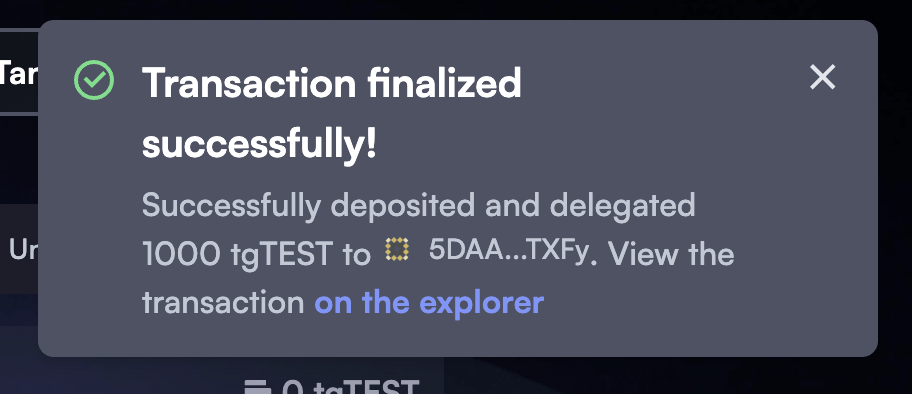
- If successful, you should see the following confirmation toast notification: